
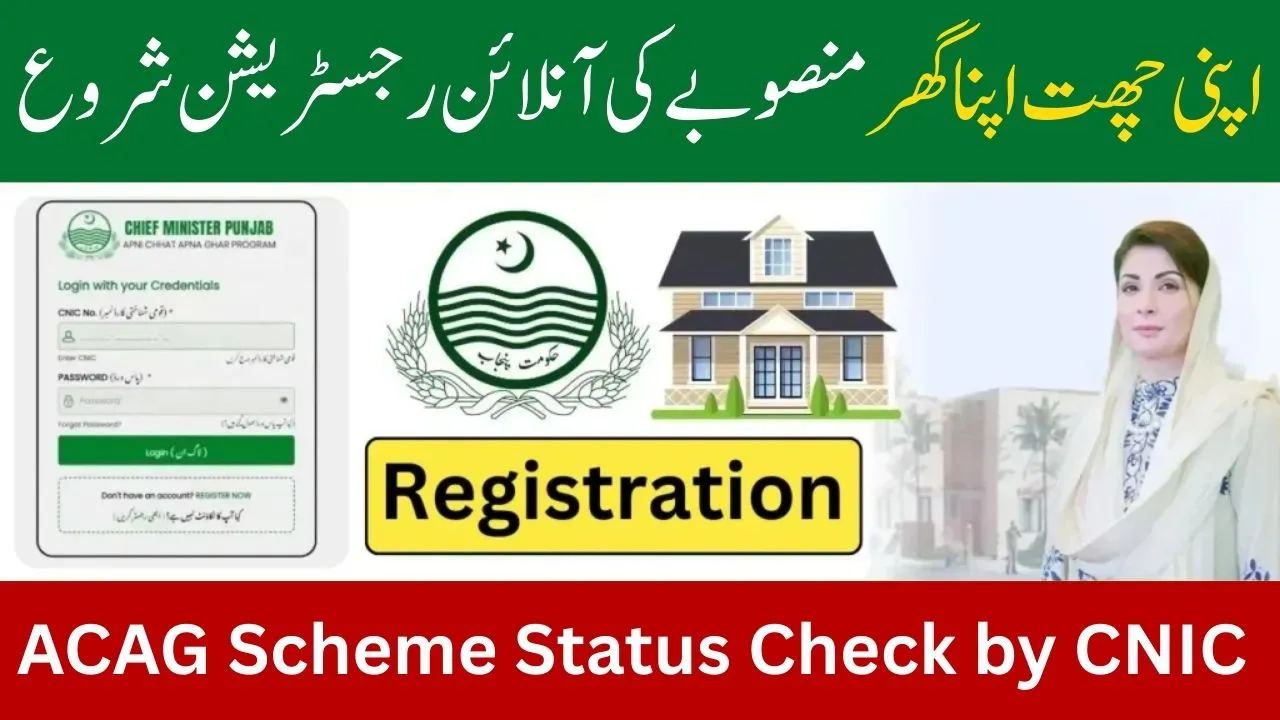
The Apni Chhat Apna Ghar (ACAG) Scheme has entered a decisive phase in January 2026, as balloting results are now being announced district by district across Punjab. Thousands of applicants who applied for interest-free housing loans or government-supported houses are actively checking their application status using their CNIC.
If you have already applied under this scheme, this complete and updated guide will help you understand how to check your ACAG status by CNIC, what each status means, the latest balloting updates, new loan limits, official SMS alerts, and what to do if your application shows incomplete or rejected.
Latest Update on Apni Chhat Apna Ghar Scheme – January 2026
As of January 20, 2026, the Punjab Government has officially started publishing balloting results for multiple districts under the ACAG housing scheme.
At the same time, several major policy updates have been introduced, including:
- Increased interest-free loan limit
- Defined monthly installment amount
- Grace period before repayment
- Official SMS alerts from government IDs
Applicants can now check whether their application is:
 WhatsApp Channel
- Still under verification
- Eligible for balloting
- Selected in the draw
- Rejected
- Marked as incomplete

How to Check Apni Chhat Apna Ghar Application Status by CNIC 2026
There are three official and reliable methods to verify your ACAG application status.
Method 1: Check Status via Official ACAG Portal (Recommended)
This is the fastest and most accurate method.
Step 1
Open the official website:
acag.punjab.gov.pk
Step 2
Log in using:
- Your 13-digit CNIC
- Your password created during registration
Step 3
After login, click on:
- “Application Status”
or - “Dashboard”
Your current status will be displayed as one of the following:
- Submitted / Pending
- Verified / Eligible
- Selected
- Rejected
- Incomplete
Method 2: Check Balloting Result by CNIC
If balloting has already been conducted in your district, a special result option becomes available on the portal.
Step 1
Visit: acag.punjab.gov.pk
Step 2
Click on the button:
“Ballot Results”
Step 3
Enter your 13-digit CNIC (without dashes)
The system will show:
- Whether you are selected
- Whether you are not selected in this draw
- Whether your case is still under review
Method 3: Check Status via Toll-Free Helpline
If you cannot log in or face technical issues.
Call the official Punjab Government housing helpline:
0800-09100
Provide your CNIC number to the representative.
They will give you a real-time update about your application file.
ACAG Application Status Meanings – Explained Clearly
Many applicants get confused after seeing different labels on the portal.
Here is what each status actually means.
Submitted / Pending
Your application has been received successfully.
Your documents such as CNIC, land record (Fard), and income proof are still under verification.
No action is required at this stage.
Verified / Eligible
You have passed the initial scrutiny.
Your name has been added to the upcoming computerized balloting list.
This means your application is valid and active.
Selected
Congratulations.
You have won the computerized draw.
Next steps include:
- Receiving an official SMS
- Getting a phone call from the department
- Agreement signing
- Loan processing or house allotment
Rejected
Your application has been rejected due to one or more reasons, such as:
- High PMT poverty score
- Incorrect or fake land documents
- Being a bank defaulter
- Incomplete or false information
In most cases, rejected applicants may apply again in future phases.
Incomplete
Your application is missing some required data or documents.
Common causes include:
- Blurred CNIC image
- Missing or unreadable Fard
- Empty required fields
- Incorrect personal details
This status can usually be fixed.

Latest ACAG Scheme Updates – January 2026
The Punjab Government has announced several major improvements in Phase 2 of the scheme.
Increased Interest-Free Loan Limit
Applicants building houses on their own plots can now receive:
- Up to PKR 1.5 million (15 lakh)
- Completely interest-free (Qarz-e-Hasna)
Eligible Plot Sizes
- Urban areas: 1 to 5 marla
- Rural areas: 1 to 10 marla
Monthly Installment Plan
For selected applicants:
- Approximate monthly installment: PKR 14,000
- Grace period: 3 months after loan approval
No installment is deducted during the grace period.
Official SMS Alerts Started
Successful applicants are now receiving confirmation messages from:
- 8070
- PunjabGovt
Important warning:
Do not trust messages from personal mobile numbers.
Only official SMS IDs are valid.
What If Your Status Shows “Incomplete”
If your application status shows Incomplete, do not panic.
This simply means your file needs correction.

How to Fix Incomplete Status
Step 1
Log in to: acag.punjab.gov.pk
Step 2
Click on:
“Edit Application”
Step 3
Re-upload:
- Clear CNIC images (front and back)
- Updated land record (Fard)
- Any missing documents
Step 4
Save and resubmit the form
Make sure to complete corrections before the final scrutiny deadline for the next batch.
Conclusion
The Apni Chhat Apna Ghar Scheme Application Status Check by CNIC 2026 process is now fully active as balloting results continue to be announced across Punjab. Applicants can easily verify their status online, through the ballot result link, or via the official helpline.
With increased loan limits, affordable monthly installments, and transparent digital tracking, the ACAG scheme remains one of Punjab’s most important housing initiatives for low and middle income families.